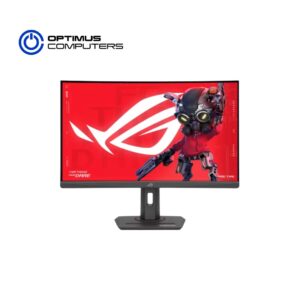



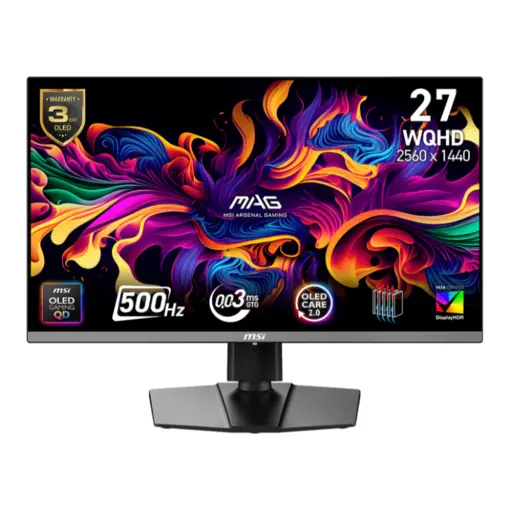
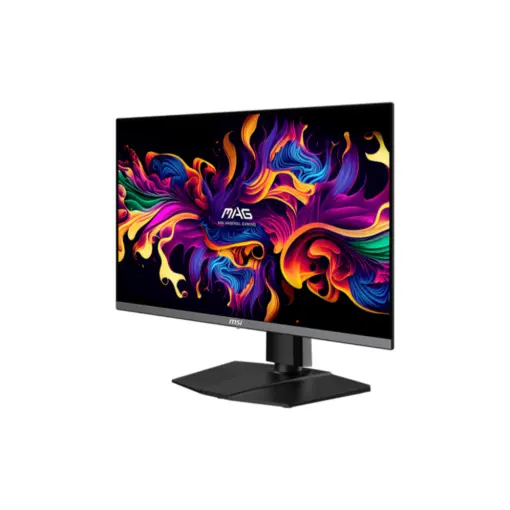
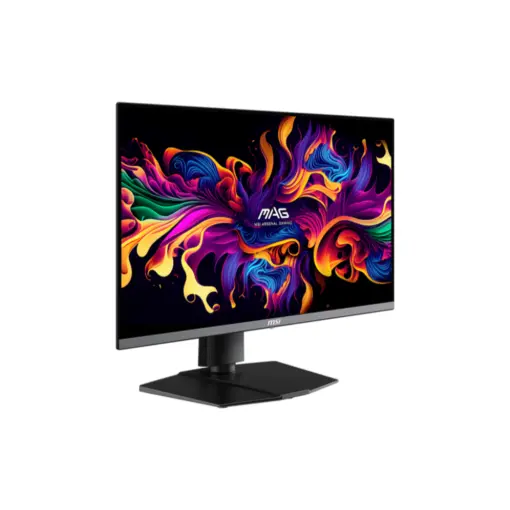
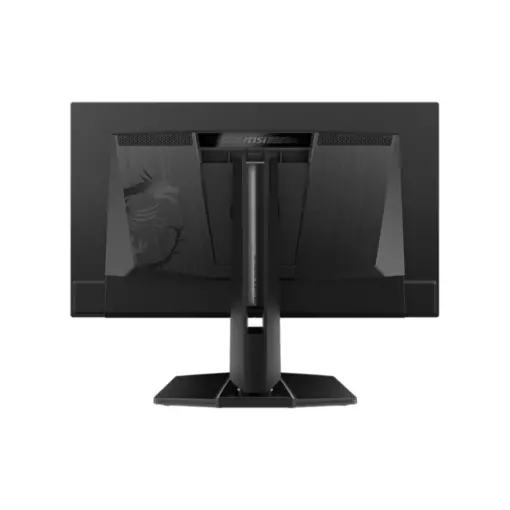
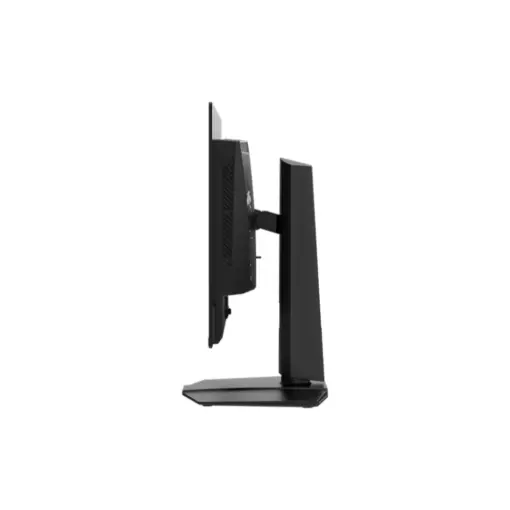
MSI’s mainstream MAG series epitomizes stability and durability and is built to withstand the most intense gaming sessions. The entire lineup features robust construction with metallic-like hardness and excellent heat dissipation, ensuring stability for all critical gaming components.


The panel refresh cycle has been extended from 16 to 24 hours, reducing interruptions during gameplay or work. Users will only see a reminder 30 minutes before the refresh, ensuring minimal disruption. The refresh still activates automatically when the monitor enters standby or powers off, maintaining full OLED protection without compromising your experience.

MSI QD-OLED monitors introduce EOTF Boost Mode, a new HDR feature optimized for higher brightness. Compared to Peak 1000 nits mode, EOTF Boost delivers greater luminance under the same APL (Average Picture Level) conditions. When enabled, it enhances brightness performance and outperforms Peak 1000 nits mode. 
EOTF Boost Mode (APL 25%)

In competitive gaming, every frame can change everything.
The MAG 272QP QD-OLED X50 features a QD-OLED panel and a blazing 500Hz refresh rate, minimizing motion blur and ghosting for razor-sharp clarity. With a 26.5″ screen preferred by esports players, it offers the ideal size for tournament play. Stay ahead and elevate your performance.
The ultra-fast 500Hz refresh rate minimizes motion blur and enhances clarity during high-speed action, delivering ultra-precise visuals that help you track, aim, and react with confidence.
| Brand
Name of the company-manufacturer. |
MSI |
| Series
Name of the series, which the model belongs to. |
MAG |
| Model
Designation of the model. |
MAG 272QP QD-OLED X50 |
| Model alias
Other known designations of the model. |
MAG 272QP X50 |
| Model year
The year in which this model was announced. |
2025 |
| Size class
Size class of the display as declared by the manufacturer. Often this is the rounded value of the actual size of the diagonal in inches. |
26.5 in (inches) |
| Diagonal
Approximate diagonal size of the display. If the manufacturer does not provide such information, the diagonal is calculated from the width and height of the screen. |
673.1 mm (millimeters) 67.31 cm (centimeters) 26.5 in (inches) 2.2083 ft (feet) |
| Width
Approximate width of the display. If the manufacturer does not provide such information, the width is calculated from the diagonal and the aspect ratio. |
590.42 mm (millimeters) 59.042 cm (centimeters) 23.2449 in (inches) 1.9371 ft (feet) |
| Height
Approximate height of the display. If the manufacturer does not provide such information, the height is calculated from the diagonal and the aspect ratio. |
333.72 mm (millimeters) 33.372 cm (centimeters) 13.1386 in (inches) 1.0949 ft (feet) |
| Panel manufacturer
Name of the manufacturer of the display panel. |
Samsung |
| Panel type
There are various panel technologies. Each has its own specific features – viewing angles, color reproduction, response time, brightness/contrast, production cost, etc. The image quality depends directly on the type of the display panel used. |
QD-OLED |
| Panel bit depth
The most widely used panels are those with 6, 8, and 10 bits for each of the RGB components of the pixel. They provide 18-, 24-, and 30-bit color, respectively. |
10 bits |
| FRC
Frame Rate Control (FRC) is a method, which allows the pixels to show more color tones. With quick cyclic switching between different color tones, an illusion for a new intermediate color tone is created. For example, by using FRC, a 6-bit display panel is able to show 16.7 millioin colors, which are typical for 8-bit display panels, and not the standard 262200 colors, instead. There are different FRC algorithms. |
No |
| Colors
The maximum number of colors, which the display is able to reproduce, depends on the type of the panel in use and color enhancing technologies like FRC. |
1073741824 colors 30 bits |
| Aspect ratio
The ratio between the horizontal and the vertical side of the display. Some of the standard and widely used aspect ratios are 4:3, 5:4, 16:9 and 16:10. |
1.778:1 16:9 |
| Resolution
Information about the number of pixels on the horizontal and vertical side of the screen. A higher resolution allows the display of a more detailed and of higher quality image. |
2560 x 1440 pixels Quad HD (QHD) / 1440p |
| Pixel pitch
The pixel pitch shows the distance from the centers of two neighboring pixels. In displays, which have a native resolution (the TFT ones, for example), the pixel pitch depends on the resolution and the size of the screen. |
0.229 mm (millimeters) 0.0229 cm (centimeters) 0.009 in (inches) 0.0008 ft (feet) |
| Pixel density
Information of the number of pixels in a unit of length. With the decrease of the display size and the increase of its resolution, the pixel density increases. |
110 ppi (pixels per inch) 43 ppcm (pixels per centimeter) |
| Display area
The percentage of the approximate area, taken by the active part of the screen, to the total front area. |
90.63 % (percent) |
| sRGB
sRGB is a color space, developed jointly by Hewlett-Packard and Microsoft in 1996. It is used in different devices such as printers, displays, TV sets, cameras, etc. The sRGB color space covers about 72% of the NTSC color space. |
138 % (percent) |
| Adobe RGB (1998)
Adobe RGB (1998) is a color space, developed by Adobe Systems in 1998. It has a wider gamut than the sRGB (mainly in the cyan-green range of colors) and is widely used in professional printing. |
98 % (percent) |
| DCI P3
DCI P3 is a color space, introduced in 2007 by the SMPTE. It is used in digital cinema and has a much wider gamut than the sRGB. |
99 % (percent) |
| Brightness
Information about the brightness of the screen. It is measured in candela per square metre (cd/m²). |
300 cd/m² (candela per square meter) |
| Peak brightness
Often even a higher peak luminance can be achieved under certain conditions. For example, when a smaller area/APL of the display is used for showing a bright object, when a bright object is displayed for a short time, etc. |
1000 cd/m² (candela per square meter) |
| Static contrast
The static contrast shows the ratio between the brightest and the darkest color, which the display can reproduce simultaneously, for example, within one and the same frame/scene. |
1500000 : 1 |
| HDR
HDR expands the contrast ratio (peak luminance and minimal black levels) and color palette to achieve more details across the whole image – from the darkest parts to the brightest ones, which results in more realistic and life-like image. |
DisplayHDR 500 True Black |
| Horizontal viewing angle
Information about the maximum horizontal viewing angle, within which the image on the screen is of acceptable quality. |
178 ° (degrees) |
| Vertical viewing angle
Information about the maximum vertical viewing angle, within which the image on the screen is of acceptable quality. |
178 ° (degrees) |
| Minimum response time
Information about the minimum amount of time, in which the pixels change from one color to another. Very often the manufacturer provides the response time for transition from grey-to-grey (G2G). |
0.03 ms (milliseconds) 0.0000 s (seconds) |
| Coating
Information about the type of coating of the display. There are different types of matte and glossy coatings, each of which has its own advantages and drawbacks. |
Anti-glare/Matte (3H) |
| 3D
Information on whether 3D is supported or not. |
No |
| Horizontal frequency (digital)
The horizontal scan rate/frequency shows the number of horizontal lines, displayed by the monitor per second, when it is plugged to a digital source. |
31.2 kHz – 835 kHz (kilohertz) |
| Vertical frequency (digital)
The vertical frequency/refresh rate shows how many times in a second the image on the screen is refreshed. |
48 Hz – 500 Hz (hertz) |
| 110V
Permissible voltage tolerance in a 110-volt electric system. |
100 V – 120 V (volts) |
| 220V
Permissible voltage tolerance in a 220-volt electric system. |
220 V – 240 V (volts) |
| Alternating current frequency
Requirement regarding the alternating current frequency in the electric system. |
50 Hz – 60 Hz (hertz) |
| Power consumption (off)
Power consumption in off-mode. |
0.3 W (watts) |
| Power consumption (sleep)
Power consumption in sleep/stand by/suspend mode. |
0.5 W (watts) |


Typically replies within few mins
Reviews
There are no reviews yet.